v0.4.2 — Improved install resilience, GitHub Copilot CLI graceful fallback
██╗  ██╗ ██████╗ ██████╗ ██████╗  █████╗ 
██║ ██╔╝██╔═══██╗██╔══██╗██╔══██╗██╔══██╗
█████╔╝ ██║   ██║██║  ██║██████╔╝███████║
██╔═██╗ ██║   ██║██║  ██║██╔══██╗██╔══██║
██║  ██╗╚██████╔╝██████╔╝██║  ██║██║  ██║
╚═╝  ╚═╝ ╚═════╝ ╚═════╝ ╚═╝  ╚═╝╚═╝  ╚═╝
        

Agentic Azure
Engineering

Powered by GitHub CLI and agentic AI. Cloud-native tools, AI assistance, and a beautiful desktop—all configured with one command. From fresh Ubuntu to azd up in minutes.

Get Started View on GitHub
bash — kodra install
$ wget -qO- https://kodra.codetocloud.io/boot.sh | bash
✓ Azure CLI + azd installed
✓ Docker CE configured
✓ VS Code + Tokyo Night theme
✓ GitHub Copilot ready
✓ Desktop themed

Done in 4m 32s — Run kodra doctor to verify
See it in action

Beautiful developer environment
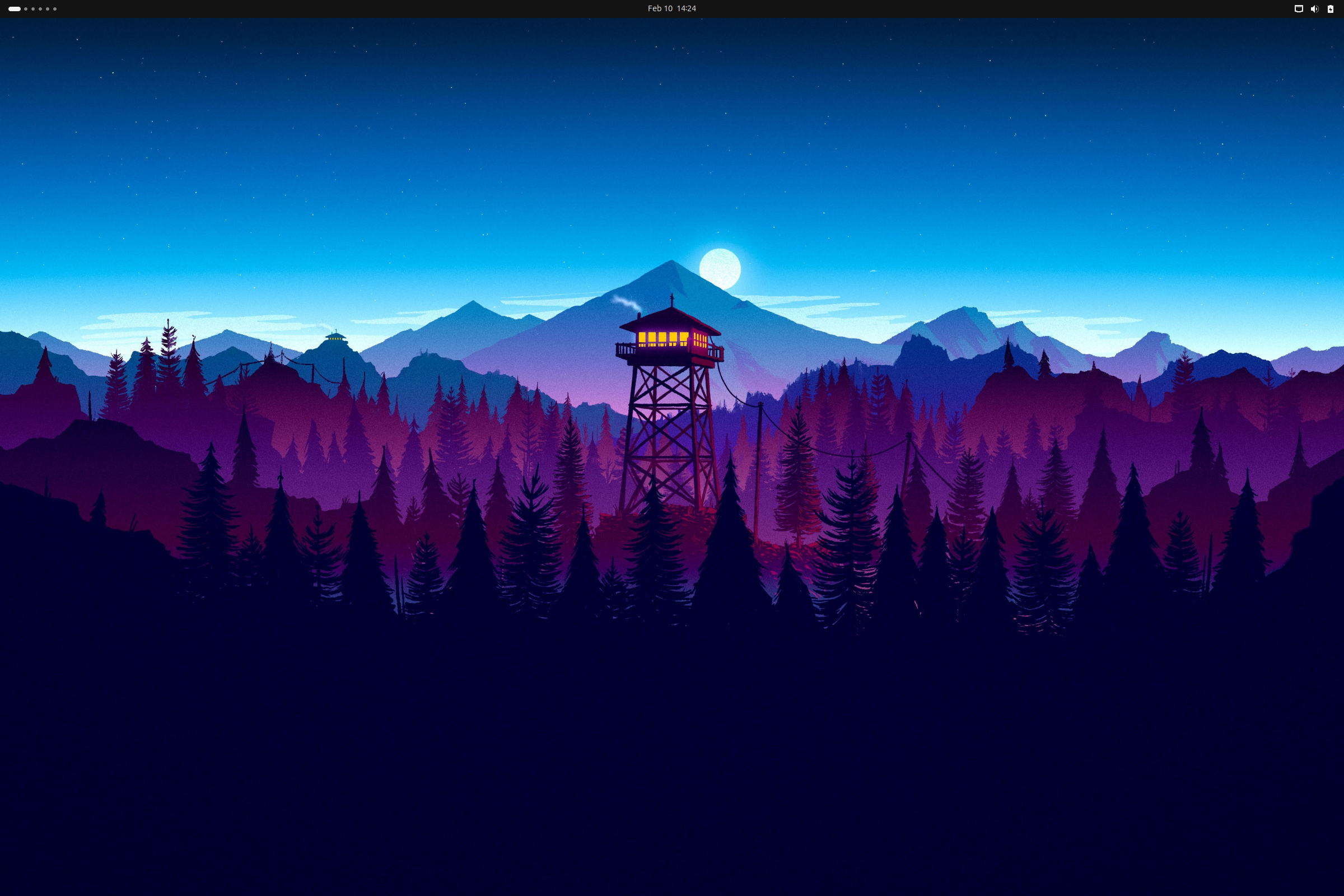
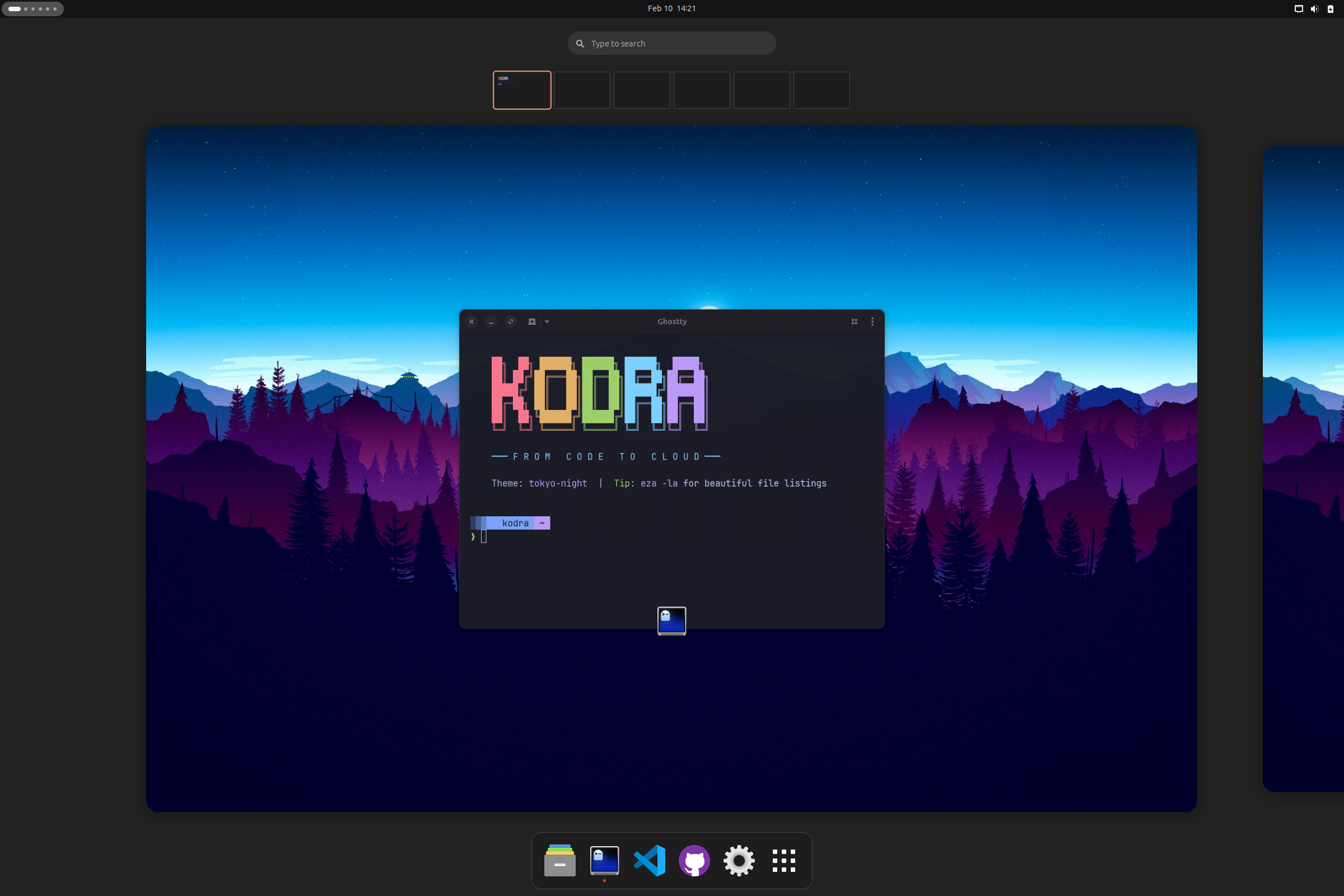
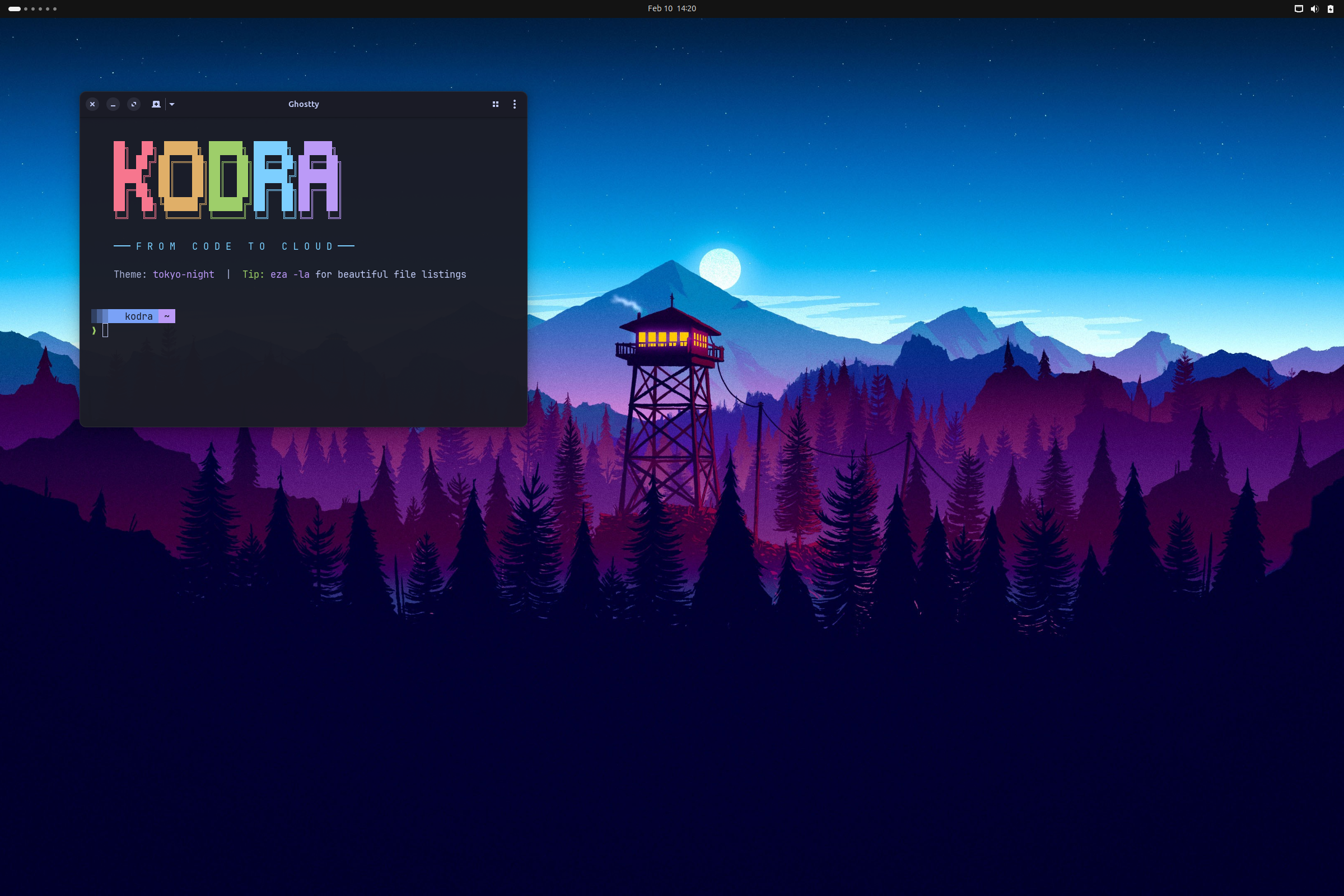
Tokyo Night theme • Nerd Fonts • 40+ cloud-native tools pre-configured

Why Ubuntu?

We chose Ubuntu as our foundation because it offers the best balance of stability, community support, and developer experience. With millions of users and extensive documentation, you'll never be stuck on a problem for long.

Massive Community 40M+ users, endless tutorials, instant answers on Stack Overflow
Lower Learning Curve Most beginner-friendly Linux distro with polished desktop experience
Azure Native Support First-class support in Azure VMs, WSL, and all major cloud tools
LTS Stability 5 years of security updates, no surprise breakages mid-project
Supported
Ubuntu 24.04+
Noble Numbat LTS
WSL Edition now available!

All CLI tools, Azure integrations, and GitHub Copilot—running in Windows Terminal. Get started →

Everything you need to ship

From Bicep templates to Kubernetes deployments—with AI suggesting your next move.

☁️

Azure-Native

Azure CLI, azd, Bicep, Terraform, and PowerShell 7—all configured and ready to deploy.

🐙

GitHub CLI Native

The gh CLI is central to your workflow—PRs, issues, repos, and CI/CD from the terminal.

🤖

Agentic AI

GitHub Copilot CLI for agentic workflows. Type ?? to ask AI anything from your terminal.

🐳

Container-Ready

Docker CE, lazydocker TUI, and Dev Containers for reproducible environments.

☸️

Kubernetes

kubectl, Helm, and k9s for managing AKS clusters with style.

Modern Terminal

Ghostty terminal with Starship prompt and Nerd Fonts. Fast and beautiful.

⌨️

50+ Shortcuts

Shell aliases for Git, Docker, Azure, Terraform. Type ?? to ask Copilot anything.

🎨

Themed Desktop

ULauncher, window tiling, system monitor, blur effects, and clean dock.

The complete toolkit

30+ carefully selected tools, configured to work together.

🖥️
Ghostty
📝
VS Code
☁️
Azure CLI
🚀
azd
💪
Bicep
🏗️
Terraform
🐳
Docker
☸️
kubectl
Helm
🐙
k9s
🐱
GitHub CLI
🤖
Copilot
🦇
bat
📂
eza
🔍
fzf
🔎
ripgrep
📊
btop
Starship

One command interface

Manage your entire setup with simple, memorable commands.

kodra theme Switch between themes
kodra wallpaper Browse and set wallpapers
kodra desktop Configure dock, tiling, login
kodra dock Set dock favorite apps
kodra setup Re-run first-time setup
kodra doctor Check system health
kodra doctor --fix Auto-fix common issues
kodra update Update all tools
kodra fetch Show system info

50+ built-in shortcuts

Shell aliases and keybindings to supercharge your workflow.

?? Ask GitHub Copilot for shell commands
lg Launch lazygit TUI
lzd Launch lazydocker TUI
gs, ga, gc, gp Git status, add, commit, push
azd-up Deploy to Azure with azd
tf, tfi, tfp, tfa Terraform shortcuts
Super + Space App launcher (Ulauncher)
Super + T Window tiling grid
View Full Cheat Sheet

Two beautiful themes

Cohesive color schemes across terminal, editor, and desktop.

$ azd up

🌃 Tokyo Night

Purple-blue Tokyo city lights

$ kubectl get pods

💙 Ghostty Blue

Deep navy with electric cyan

How It Works

Three steps from fresh Ubuntu to productive Azure development.

1️⃣

Run One Command

Copy the install command and paste it into your terminal. Kodra handles everything automatically.

wget -qO- kodra.codetocloud.io/boot.sh | bash
2️⃣

Pick Your Theme

Choose from 6 beautiful themes. The installer applies colors across terminal, VS Code, and desktop.

3️⃣

Start Building

Open a new terminal and you're ready. Azure CLI, Docker, kubectl, GitHub CLI—all configured.

✓ Ready in ~15 minutes

Frequently Asked

What Ubuntu versions are supported? +

Kodra is designed for Ubuntu 24.04 LTS and newer. It also works on Ubuntu in WSL2 for Windows users. Ubuntu 22.04 may work but is not officially supported.

Is an Azure subscription required? +

No. Kodra installs the Azure tools, but you can use them with any subscription (or no subscription). The Docker, Kubernetes, and terminal features work completely standalone. You can even skip Azure tools entirely with --skip-azure.

Will it break my existing setup? +

Kodra backs up your existing dotfiles (bashrc, zshrc, gitconfig, etc.) before making changes. You can restore them anytime with kodra restore. It's designed to be safe on existing systems.

Can I customize what gets installed? +

Yes! The installer has an interactive prompt for optional apps. You can also use flags: --skip-azure, --skip-docker, --minimal for terminal-only setup.

How do I uninstall Kodra? +

Run kodra uninstall for interactive removal. You can uninstall specific components or everything. Kodra can restore your original dotfiles during uninstall.

Is it free and open source? +

Yes! Kodra is completely free under the MIT license. The code is on GitHub. Contributions are welcome!